Guided Document Capture
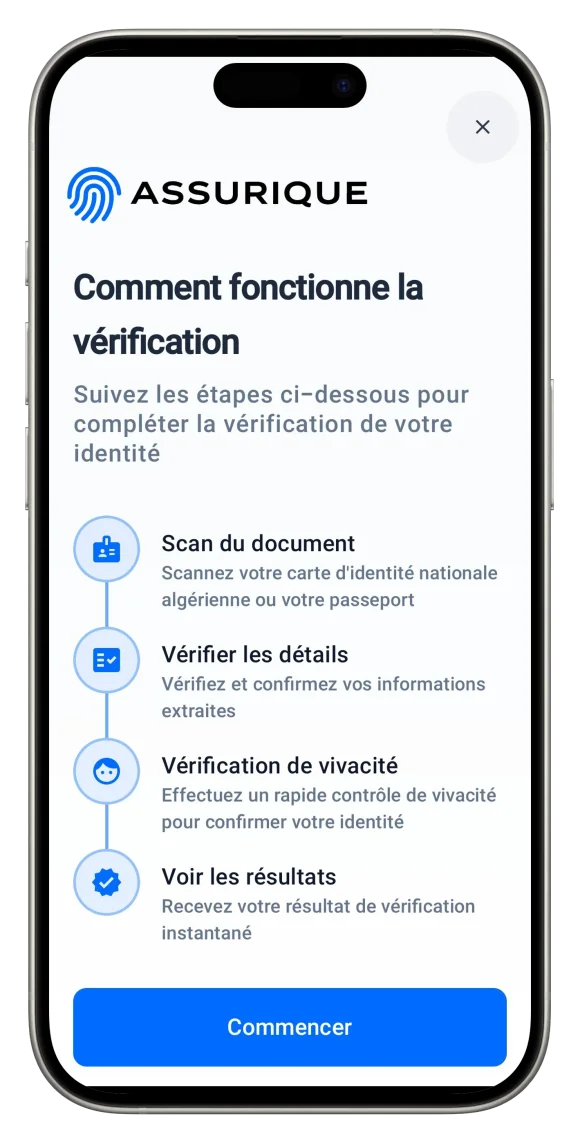
Users capture front and back in-app with framing and quality checks before extraction begins.
Learn More

Assurique · Mobile demo · Production stack
Walk the full flow on your device — capture, optional NFC, live face check, clear result. Same engines as production, fully on-premise.
Available on

Average identity
verification time
Verification routes
(OCR · NFC · Biometric)
-in-1
ID scan, chip read & face check
in one guided flow
%
On-premise — data never
leaves your infrastructure
Guided capture, cryptographic chip checks, biometric liveness, and clear decisions — all in one polished in-app journey.
Users capture front and back in-app with framing and quality checks before extraction begins.
Learn More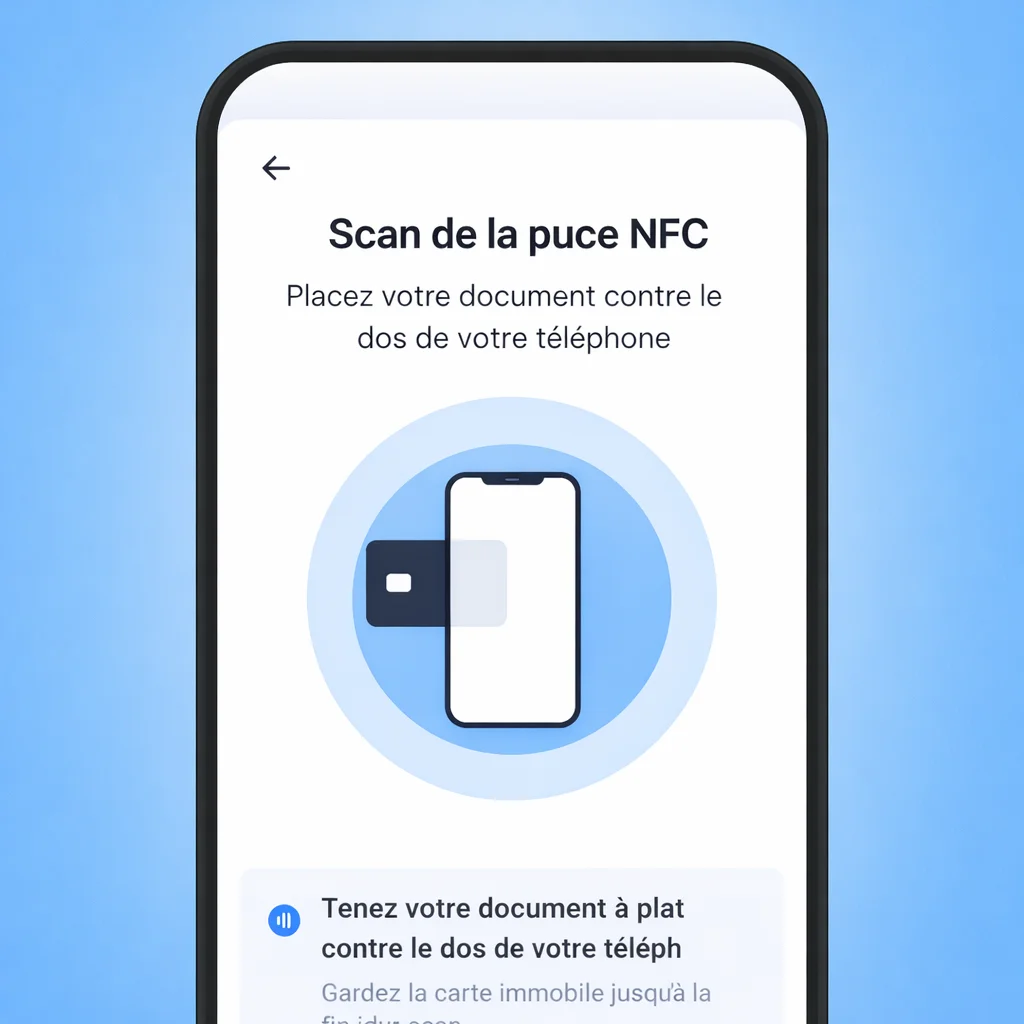
Show a simple approve, review, or decline status inside the app with no ambiguity.
Learn MoreTap and validate the chip cryptographically in seconds for the highest assurance level.
Learn MoreChallenge-response verifies a real person is present and matches the submitted document.
Learn MoreKeep all app verification data on your own infrastructure with controls your IT team manages.
Learn MoreWhen you are ready to embed the same flow in your own app, we provide written guides, a security overview for your IT and risk teams, and engineers who help you plan deployment on your servers.
Integration guides, SDK reference, and API docs — from first call to production deploy in 2 lines of code.
Architecture and security documentation for your IT, risk, and compliance teams to review before deployment.
Schedule a call — deployment planning, custom integration support, or a live walkthrough on your infrastructure.
Compliance
Zero data leaves Algeria. By architecture.
On-premise deployment keeps biometric and identity data under your control — aligned with domestic hosting expectations for banks, PSPs, and public-sector systems. The in-app journey on this page is meant to run entirely in that model.
Law 18-07
Personal data protection — sovereignty by staying on your infrastructure.
Regulation 24-64
Digital banking — domestic hosting for licensed institutions.
Instruction 06-2025
PSPs — tiered KYC without routing data offshore.
Law 05-01
AML / KYC — auditable decisions end-to-end.
Common questions about installing the demo — and how it fits the journey and on-premise compliance framing you just read.
The same screens as in the "Full journey" section: welcome, photos of both sides of the ID, optional chip tap, review of the read details, a short live selfie, then a clear result. It mirrors what your customers see when you go live.
Yes. The checks behind each step — document reading, optional chip read, selfie match — are the same ones we ship for production. Only colours, wording, and your logo change when you embed it in your own app.
If your handset supports contactless reading and your ID has a chip, you can run the optional “hold the card to the phone” step wherever we have enabled it in that build.
Talk to an engineer or open the developer docs: you plug Assurique into your Android or iOS app, open a session when your user starts onboarding, and receive the outcome and details on your servers — the same sequence you just tried by hand.
Demo data handling is described in our Privacy Policy. Production deployments run on your infrastructure so sensitive identity data stays under your control.
The production SDK targets current Android devices (iOS support coming). Use the Google Play link on this page to install the demo.
Install the demo to walk through every step yourself — or contact us to run the same journey inside your own mobile apps and on your infrastructure.